Automate your guests' checkout
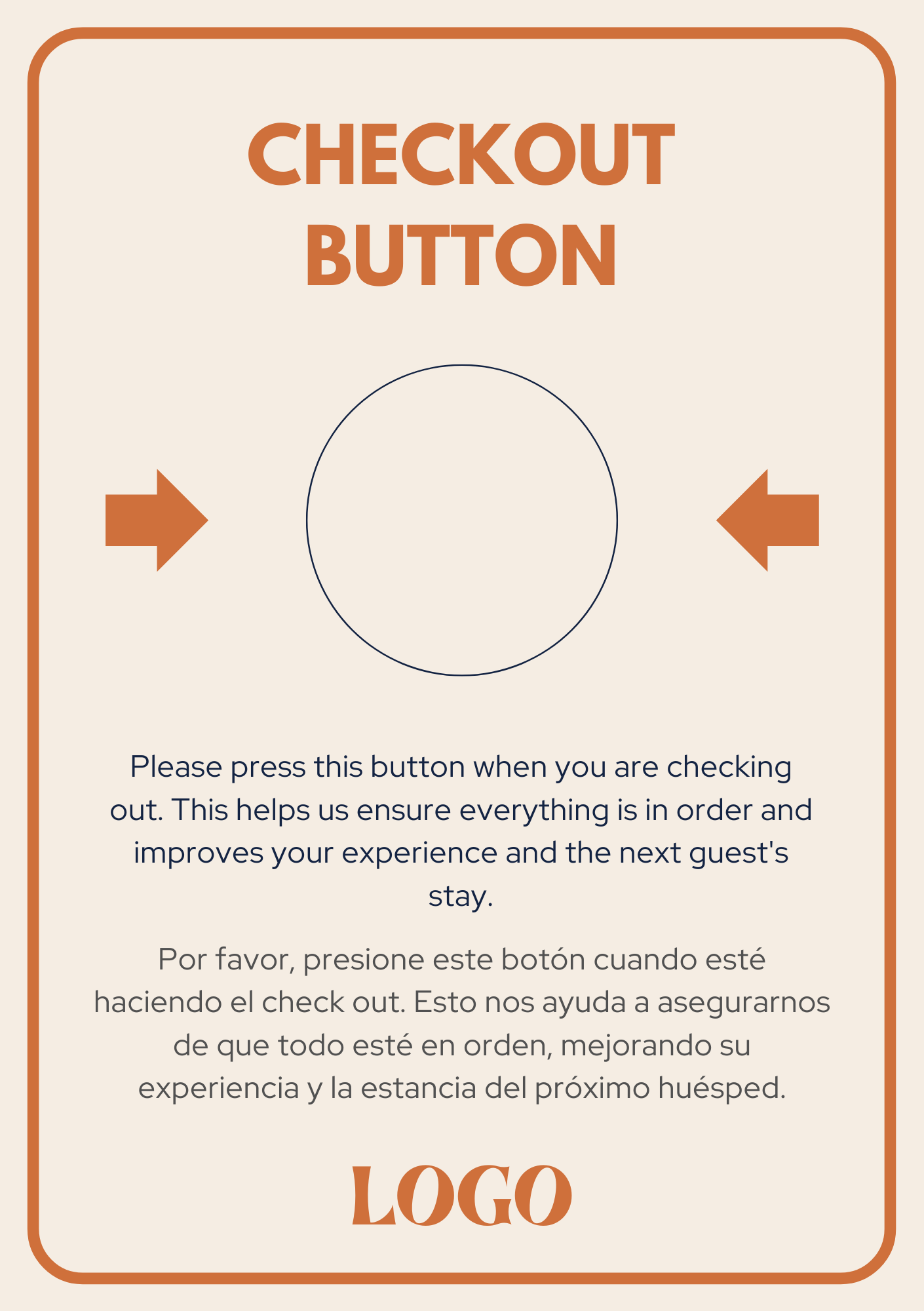
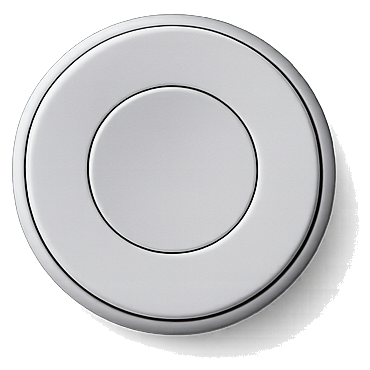
A button in the room that guests press when they leave. It updates your PMS instantly, notifies your team and releases the room. No human involvement.
Presiona el botón
They already trust us








Our front desk manager saw it as a very positive change. It works perfectly.
It helps us a lot to get ahead on check-out while the guest is on their way down to reception.
It's also very useful because, if a guest leaves early (before reception hours), seeing they pressed the button tells us they've already left.
The problem
Have the guests left yet?
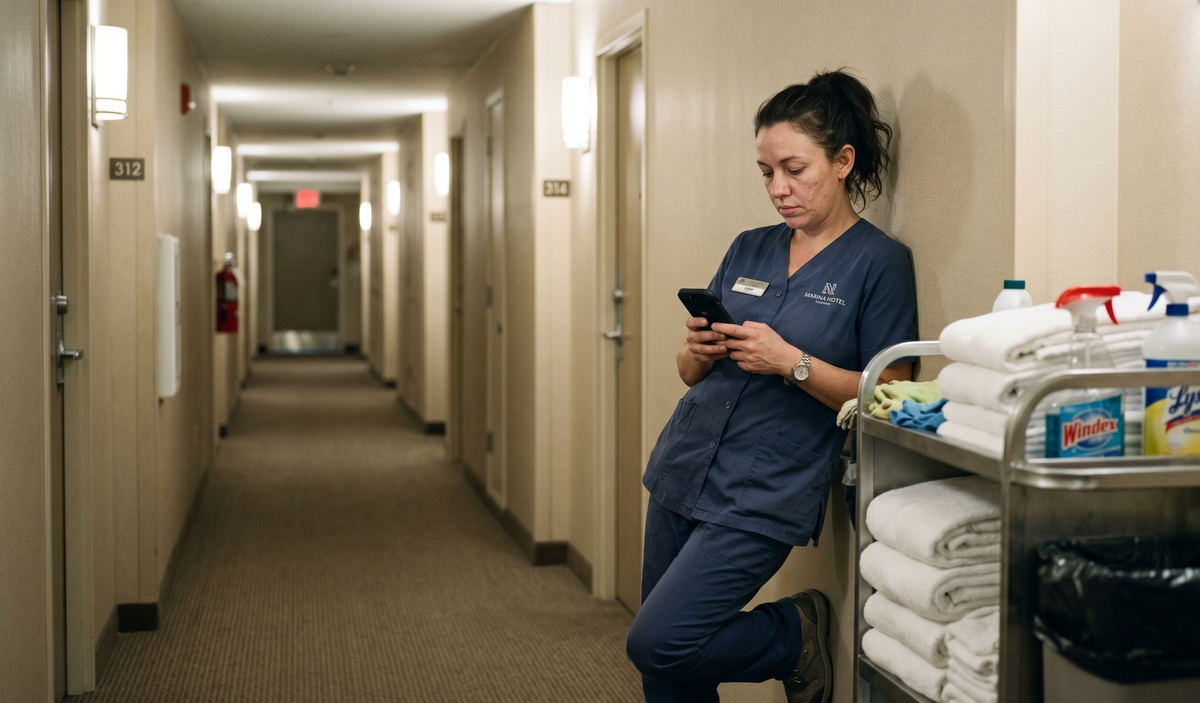
Your team knows how to clean. What they don't know is when to start.
In hotels without a front desk, departures go unrecorded.
In large hotels, reception gets swamped with avoidable queues.
In high-turnover hotels, guests want a frictionless exit.
How it works
Extremely simple
The guest leaves
They press the button when checking out. The system sends a notification that the room is vacant.
Cleaning acts
The cleaning staff receives the alert and goes directly to the room. No waiting, no knocking on doors.
Room ready
When finished, the staff presses the button. Operations knows the room is ready for the next guest.
Benefits
The beauty of simple
When the button is pressed, instantly:
Updates your PMS: the room status changes on its own. Reception doesn't touch a thing.
Notifies your team: housekeeping app, WhatsApp, Teams, Slack, or whichever channel your team already uses.
Turns off the A/C: in rooms the guest has already left. Energy you stop spending.
Triggers the satisfaction survey: instantly, while the experience is fresh.
Stores historicals by day, hour and property: you schedule housekeeping with data, not guesswork.
Calculator
How much time does the button give back?
Answer 4 things about your hotel and see the hours you recover each year. Everything is editable and transparent: if your numbers differ, move them.
Calculate your savingsInstallation
Physical install in one morning
Plug in the hub
One hub covers up to 12 floors.
Stick the buttons
They come preconfigured. 3M adhesive, no construction.
Done!
It's up and running the next day.
The package includes everything. No screwdriver, no room blocking. The physical install can be done by anyone on your team in under a morning.
FAQ
Everything you need to know
How long does installation take?+
Are special tools needed?+
Do I need technical knowledge?+
How do the devices work?+
How long do the batteries last?+
What happens if they press the button on a non-checkout day?+
Let's talk
Let's try the button at your hotel
Tell us which property you want to pilot and we'll activate it within 48-72h depending on integration. No construction, no yearly commitment, with a 30-day free trial.